
Why CRM Data Decays—and How Teams Stop the Drift
CRM records decay when updates lag behind conversations. Learn the root causes and practical workflows that keep data trustworthy without extra admin.
1) The hidden mechanics of CRM data decay
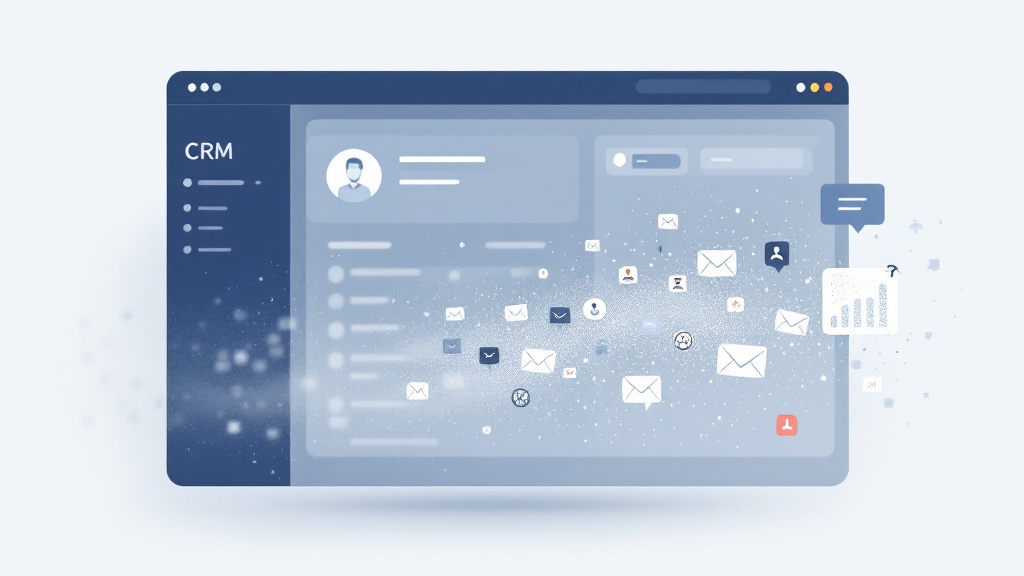
CRM data doesn’t usually “break” in one dramatic moment—it quietly drifts. A deal stage stays optimistic after a tough renewal call, a stakeholder change never gets logged, or next steps live only in someone’s head. Over time, that decay turns your CRM into a lagging indicator instead of an operating system. The result is predictable: weak forecasting, missed follow-through, and leadership losing confidence in dashboards that should drive decisions.
The causes are rarely about effort. They’re about workflow-design gaps and incentive misalignment. Reps are measured on outcomes, not updates, so “I’ll fix it later” wins in the moment. Tool sprawl adds friction: call notes in Zoom, action items in email, pricing details in Slack, and partial updates in the CRM. In that environment, crm-hygiene and data-quality degrade because updating structured fields feels like context switching—especially when the workday ends with a rushed “catch-up” session that replaces accuracy with approximation.
2) Practical countermeasures: capture at the source, structure what matters
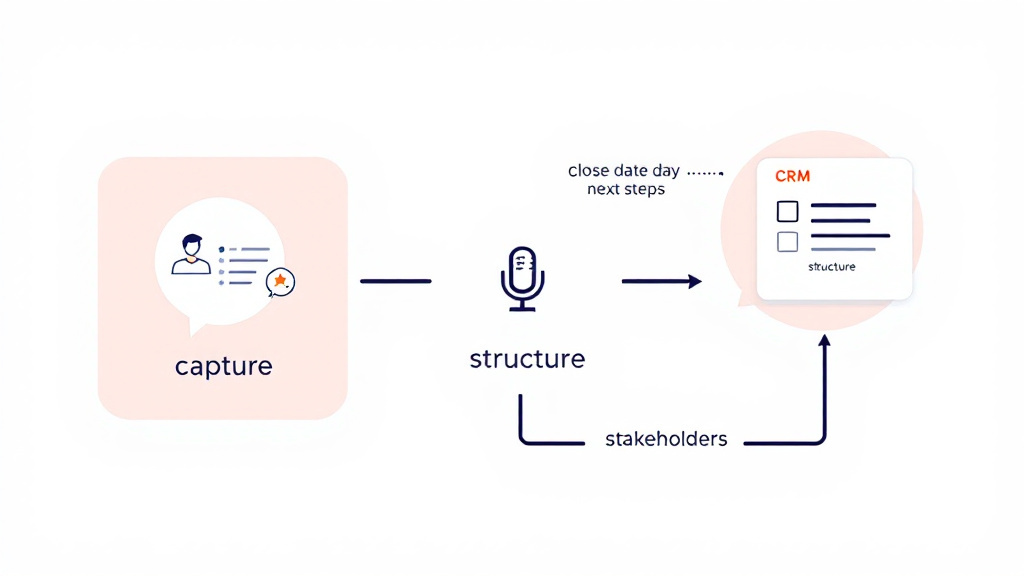
Stopping drift starts with accepting a simple truth: the best time to capture truth is when it’s spoken. Teams that improve data-quality build “capture-at-source” habits—right after calls, during meetings, or via short voice notes—so details don’t rely on memory. This isn’t about writing longer notes; it’s about capturing the few facts that drive execution: risks, timeline changes, buying process, and commitments.
Next, make your CRM reflect reality, not wishful thinking. In sales-operations, that means fewer fields, better fields, and clearer definitions. Structured fields should map to how deals actually move (e.g., stage exit criteria, next step type, close-date confidence), and required fields should be limited to those that improve coaching and forecasting. Finally, reduce tool sprawl friction by standardizing where decisions live (CRM) and where conversation happens (calls/email)—with lightweight pathways between them. When your workflow-design makes the right update the easiest update, crm-hygiene becomes a default, not a campaign.
3) The lightweight review loop that keeps CRMs trustworthy
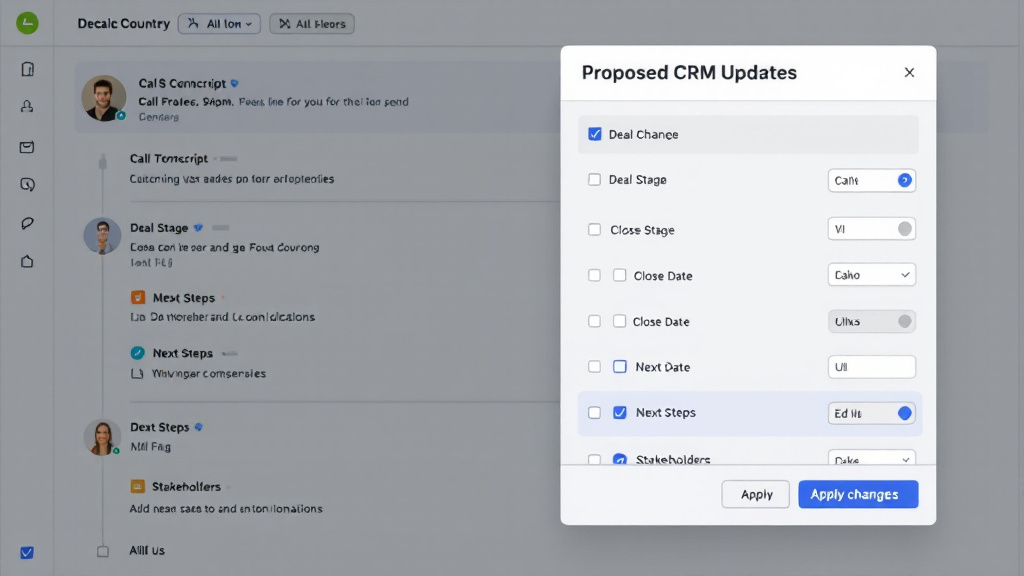
Even with good habits, the last mile matters: translating messy conversation into clean CRM updates. The most effective teams use a lightweight review loop—auto-draft updates, human approval, then sync. This preserves speed without sacrificing accuracy. It also resolves the classic tension in sales-operations: you want structured, consistent fields for reporting, but you don’t want reps doing clerical work.
This is where conversational AI and speech recognition can serve crm-hygiene instead of creating more noise. Tools like CRM CallScribe capture calls and voice notes, generate transcripts, and propose structured updates (stage, close date, next-step tasks, stakeholder changes). Crucially, a “review before sync” screen keeps a human in the loop—so only approved changes write back to the CRM and downstream systems like email and calendar. The payoff is compounding: cleaner data-quality, more reliable forecasting, and a CRM that mirrors the latest customer reality—without end-of-day scramble. When review loops are fast and respectful of time, drift doesn’t stand a chance.